87 games · free · no sign-up
Totally Science: Free Unblocked Games for School
Totally Science is a library of 87 open-source browser games: puzzles, racing, chess, arcade classics and more. Every game runs from our own server, so it opens fast on a Chromebook and never needs a download.
- No downloads
- 54 play on phones
- Open-source games
- 87free games
- 9categories
- 54phone-friendly
- 102-player games
- 50credited creators
Jump back in
My games →Lab Picks: Best Unblocked Games to Start With
All games →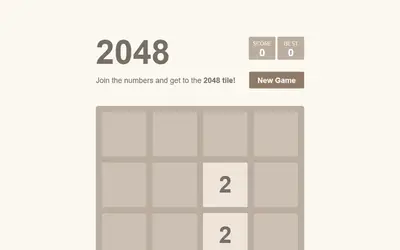
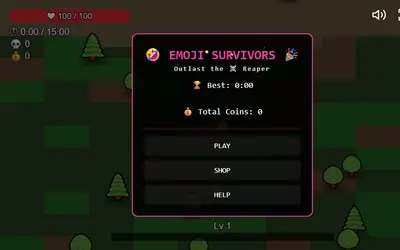
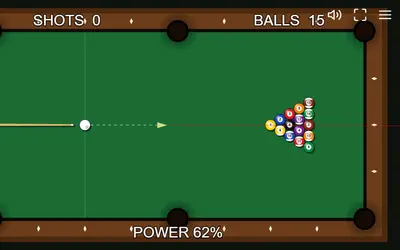
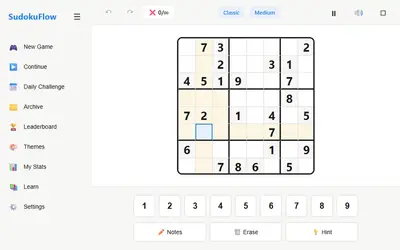
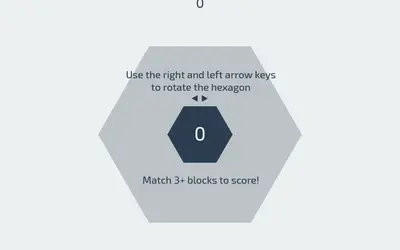

What Is Totally Science?
Totally Science is a free website of unblocked games that you play right in your browser. Pick a game, press the green Play button, and it starts on the same page in a few seconds. There is nothing to download, no account to make and no app to install.
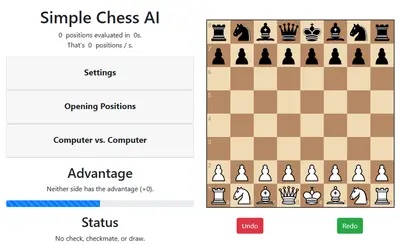
The name comes from the school science lab: a room where you try an idea, watch it fail, change one thing and try again. Good games work the same way, and every game here rewards that kind of experimenting, whether you are merging tiles in 2048 or planning a route in Chess AI.
Every game file lives on our own domain. When you click Play, the game loads from Totally Science and nowhere else, so there are no surprise redirects, pop-up downloads or trips to other game portals.
- 0downloads or installs
- 0accounts or emails needed
- 1click from page to game
- 100%open-source games
How to Play on Totally Science in 3 Steps
Getting from the homepage to a running game takes about ten seconds. Here is the whole process.
Find a game
Type a name in the search bar, open a category from the menu, or press the dice button to let the site pick a random game for you.
Press Play
The game page shows a preview first so it opens fast. Press the green Play button and the game loads inside the page. Click on the game once so it hears your keys.
Go full screen
Press Full screen under the player for more room. Tap the heart to save the game to My games, so you can find it in one click next time.
Unblocked Game Categories on Totally Science
Nine categories, each with its own page, guide and full game list. Here are a few games from every shelf.
Unblocked Puzzle Games
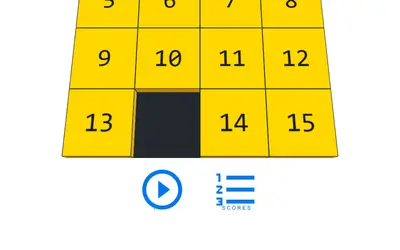
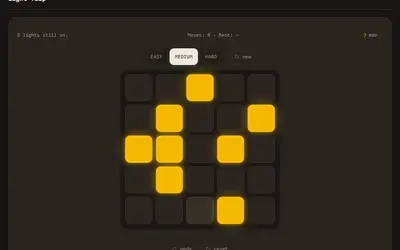
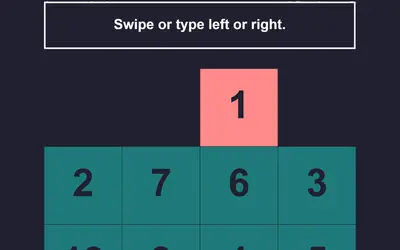
Free unblocked puzzle games for a quiet break: slide numbers in 2048, solve Sudoku, pour colors into tubes or clear a mine grid. They run in your browser, and most take a mouse, keyboard or tap.
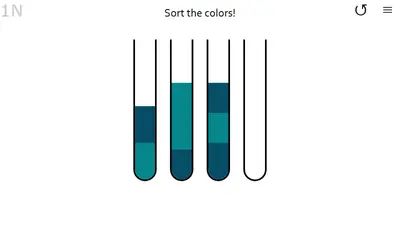

Unblocked Arcade Games
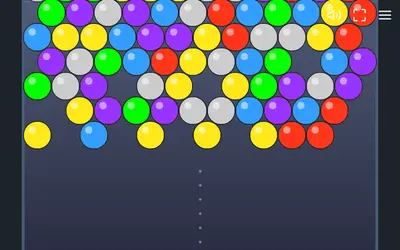
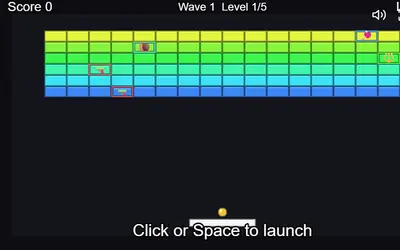
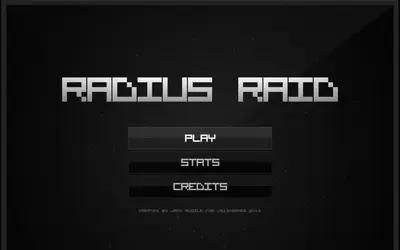
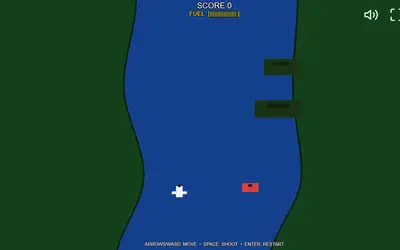
Short rounds, simple controls and a score to beat. These unblocked arcade games load in a browser tab, and a crash sends you back to the start in a second, so they fit even a short wait.

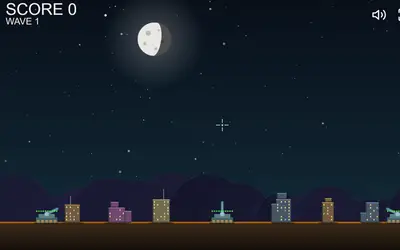
Unblocked Action Games
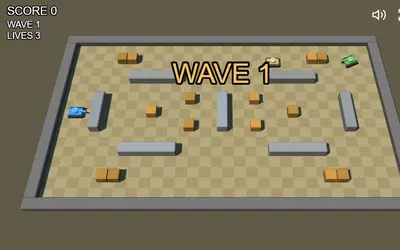
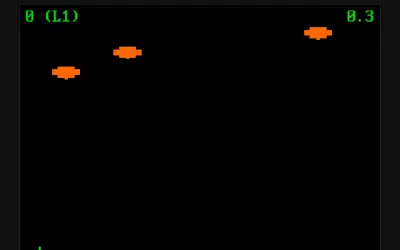
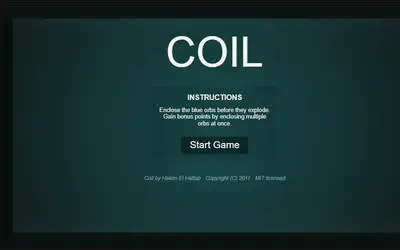
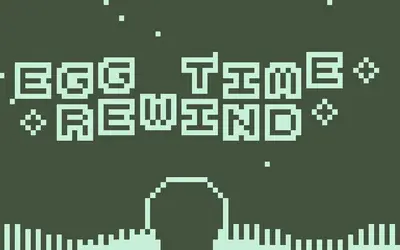
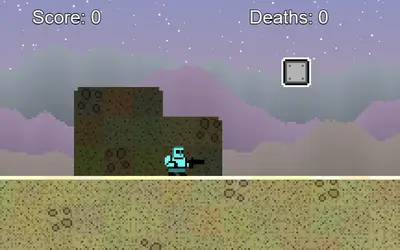
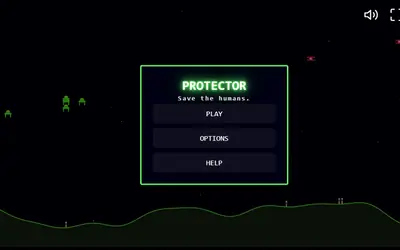
Shooters, a sword-dash chase and a platformer where the walls break. These unblocked action games play in your browser, from one-finger slashing to keyboard-and-mouse dogfights.

Unblocked Board & Card Games
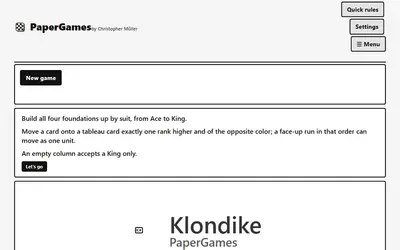
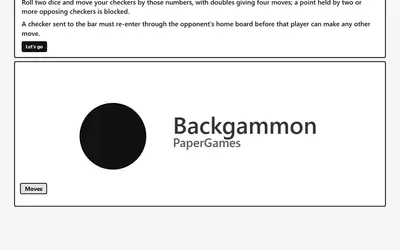
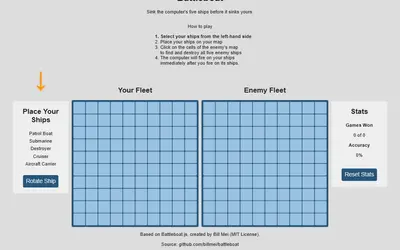
Unblocked board games and card games with no pieces to lose: chess, checkers, backgammon, dominoes and three kinds of solitaire. Play the computer, share one screen with a friend, or deal a quiet hand alone.
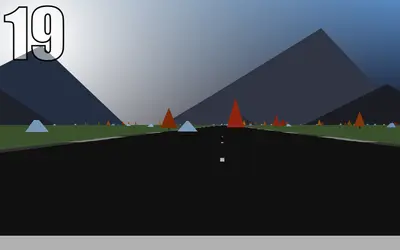
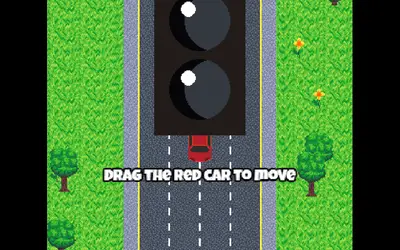
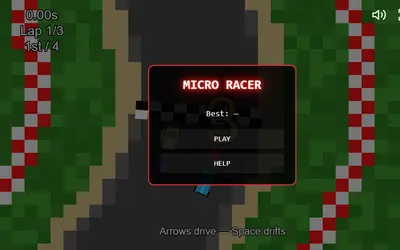
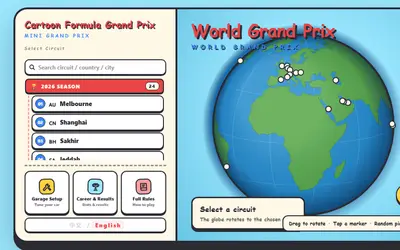
Unblocked Racing Games
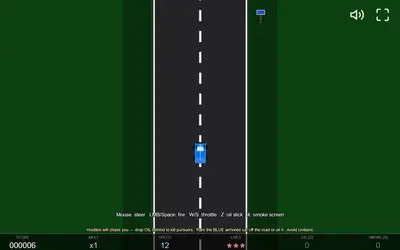
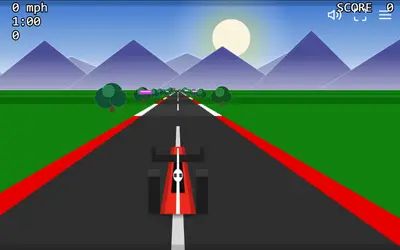
Seven unblocked racing games, from a one-minute sprint to a full race weekend with pit stops. Steer with the arrow keys, a mouse or a finger, and race the clock, the traffic or three computer rivals.
Unblocked Sports Games
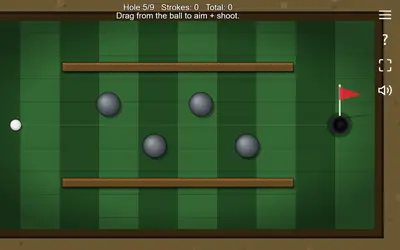
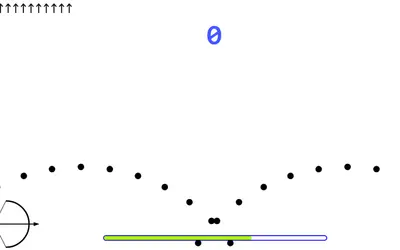
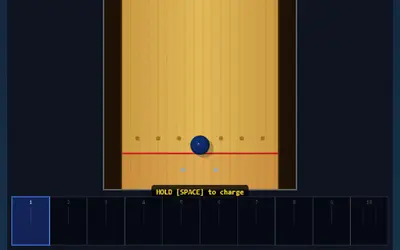
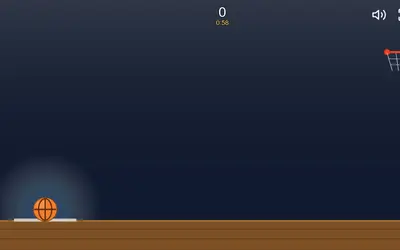
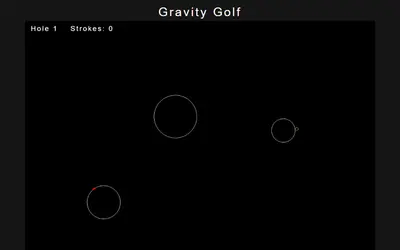
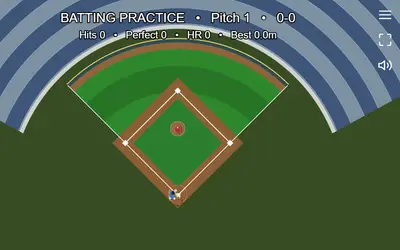
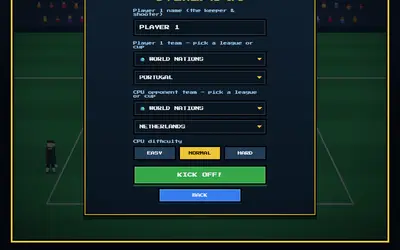
Golf, pool, bowling, baseball, basketball, archery and soccer, each cut down to its best moment. These unblocked sports games run in a browser, and most use a drag-and-release shot you learn in seconds.
Unblocked Strategy Games
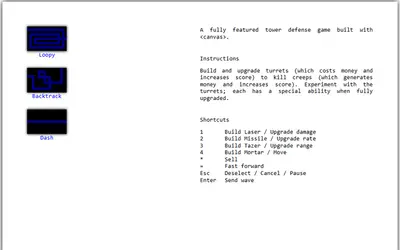
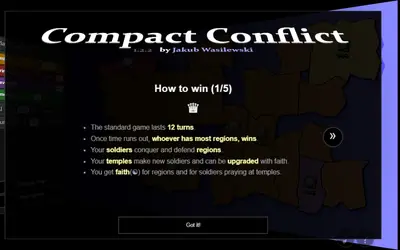
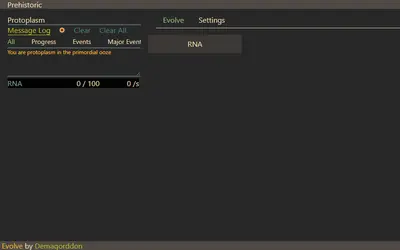
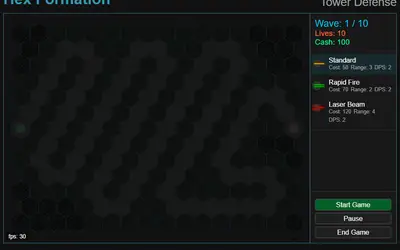
Tower defense, turn-based conquest, a cell that grows into a city and a calm town builder. These unblocked strategy games run in your browser and reward a good plan more than fast fingers.
Unblocked Adventure Games
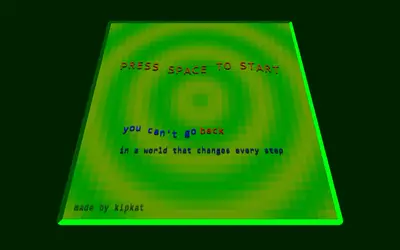
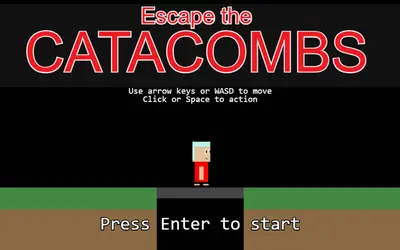
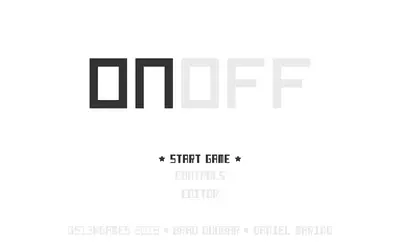
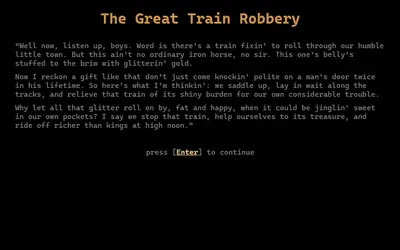
Text stories, turn-based dungeons, a Wild West heist and a climb out of the dark. These unblocked adventure games give you somewhere new to explore, and they play best with a laptop or Chromebook keyboard.
Unblocked Casual Games
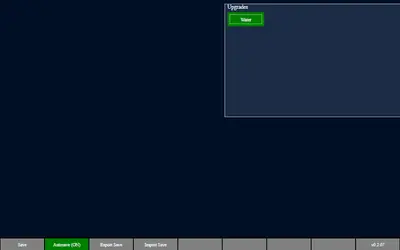
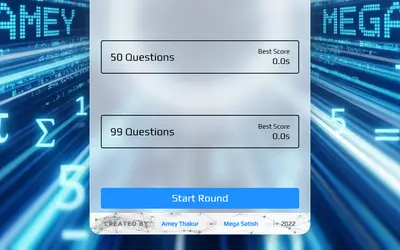
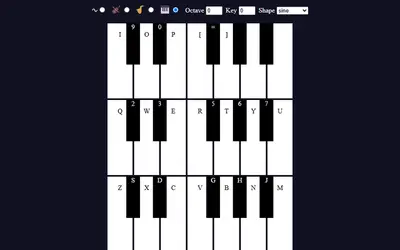
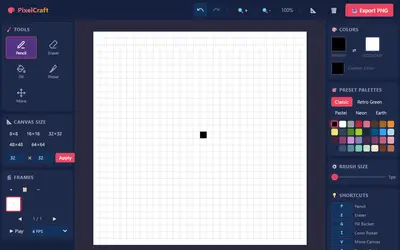
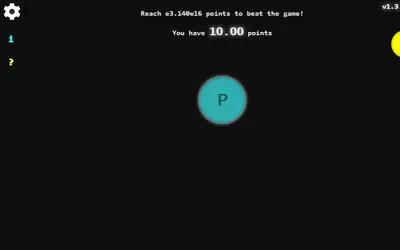
Low-pressure unblocked casual games for when you want to unwind. Practice math facts, pop letters with the keyboard, draw pixel art, play a toy piano or let an idle game tick along in a spare tab.
Why Students Choose Totally Science
We built the site around short breaks: lunch, a free period, the bus ride home. That led to a few rules we never break.
Fast on slow Wi-Fi
Pages are small and a game only starts downloading when you press Play. That keeps Totally Science quick even on a crowded school network.
Made for Chromebooks
Every game runs in a normal browser tab with no plugins. Many also work on phones and tablets; look for the Mobile badge on a game card.
No sign-up, no tracking accounts
You never type a name or email to play. Scores, saves and favorites stay in your own browser, and you can clear them whenever you like.
Real how-to guides
Each game page explains the goal, the controls and a few tips, written after we played the game ourselves. No copied app-store blurbs.
Open-source games only
Every game uses an open license that allows hosting. We keep the license files and name the original creator on every page.
Your own game shelf
Favorites and recently played games are remembered on your device, so your go-to games are always one tap away from the header.
Pick a Game by Mood
Not sure what to play? Start with how much time you have and how you feel.
I want to think
Calm logic games you can pause any time, like Sudoku and the 15 Puzzle.
Puzzle games →I have 2 minutes
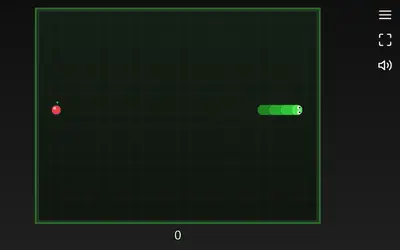
Quick arcade rounds that start instantly: Snake Game, Hextris and Brickout.
Arcade games →I want to beat someone
Chess, checkers, reversi and four in a row against the computer or a friend.
Board & card games →I need speed
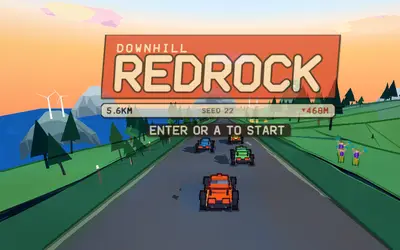
Downhill runs, pursuit chases and top-down track racing.
Racing games →I want a story
Text adventures, dungeon crawls and heists for a longer break.
Adventure games →I want to plan ahead
Tower defense, territory battles and idle civilizations that reward patience.
Strategy games →
Totally Science on Chromebooks, Phones and Tablets
School Chromebook
The main way people play. Use the arrow keys or WASD for action games, and click the game once so it receives your key presses. Press Esc to leave full screen.
Phone
Filter for phone-friendly games on the all games page. Turn your phone sideways for racing and arcade games, and keep it upright for puzzles like 2048.
Tablet or laptop
Tablets handle most touch games well, and any laptop browser runs the full library. Games marked "Computer only" need a keyboard to play properly.
Are Totally Science Games Really Unblocked?
"Unblocked" usually means a game that loads on a school, library or office network. Our games come from one simple website, use no outside game servers and need no special plugins, which helps them load in places where big game portals are filtered.
Still, no website can honestly promise that every network allows it. Some schools block whole types of sites on purpose. If yours does, please respect that rule and play at home instead.
Guides From the Totally Science Blog
All posts → Blog · 5 min read
Best Unblocked Arcade Games for School, Sorted by Round Length
Our 12 arcade games grouped by how long a round lasts, how you control them and whether they work on a phone, with clear notes on the few that need a keyboard.Editorial Team · Blog · 5 min read
Best Unblocked Puzzle Games for Study Breaks, Sorted by Time
Short on time between assignments? Here are our puzzle and logic games grouped into 5, 10 and 15 minute breaks, with notes on difficulty, saves and controls.Editorial Team · Blog · 5 min read
Best Unblocked Racing Games for a Chromebook: All 7 Compared
We compare all seven racing games on our site, from a one-finger highway dodger to a full race weekend with pit stops, with controls, phone notes and a pick to start with.Editorial Team · Blog · 5 min read
How to Beat the Computer at Chess: Practical Tips for Beginners
Simple, practical chess against computer tips: pick the right depth, stop hanging pieces, use undo to learn and set traps just beyond what the engine can see.Editorial Team · Blog · 5 min read
How to Play Games on a School Chromebook: Controls, Saves and Rules
A practical guide to playing browser games on a school Chromebook: full screen, keyboard vs touchpad, how saves work, clearing data and staying within school rules.Editorial Team · Blog · 5 min read
How to Play Solitaire: Klondike vs Spider vs FreeCell, Plus Mahjong
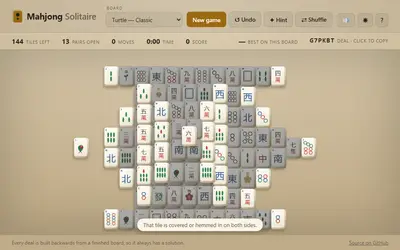
The rules of Klondike, Spider and FreeCell side by side, plus Mahjong Solitaire for tiles, with a comparison table on luck, difficulty and undo, and a few tips for each.Editorial Team ·
Open-Source Games, Credited to Their Makers
Independent developers, game-jam teams and hobbyists wrote every game on Totally Science and shared the code under licenses such as MIT, GPL and Creative Commons. We keep each license file next to the game, link to the original source code from every game page, and list any small change we made, like a new title or a removed web font.
See every creator and license- 71MIT licensed
- 10GPL licensed
Totally Science FAQ
What is Totally Science?
Totally Science is a free website of unblocked browser games for students. It hosts open-source games in categories like puzzle, arcade, racing and board games, and every game plays directly on the page.
Is Totally Science free?
Yes. Every game is free to play. There is no sign-up, no subscription and nothing to buy inside the games.
Do I need to download anything?
No. The games run in your web browser on a Chromebook, laptop, desktop, tablet or phone. Keeping your browser up to date gives the smoothest play.
Does Totally Science work on a school Chromebook?
Yes, the site is built with Chromebooks in mind. Every game runs in a normal Chrome tab. Whether your school network allows game sites is up to your school, and we ask you to follow its rules.
Will my progress be saved?
Many games save scores and progress in your browser. If you clear your browsing data, use a private window or switch devices, that progress starts over.
How do I play in full screen?
Open any game and press the Full screen button under the player. Press Esc to go back, or tap the Exit button on phones.
Which games work on phones?
Look for the Mobile badge on a game card, or use the "Phone-friendly only" filter on the all games page. Puzzle, card and casual games are usually the best fit for touch screens.
Who made the games on Totally Science?
Independent developers who shared their games under open-source licenses. Each game page names the creator and links to the original code, and the credits page lists them all.
Is Totally Science safe to use?
We only add games we have played ourselves, with no gore, no real-money gambling and no chat with strangers. The site asks for no personal information, and the games load only from our own domain.
How often are new games added?
We add games after checking that their license allows hosting and that they play well in a browser. New games appear on the all games page and in our RSS feed.